June 2026
Moving custom software to the cloud is not merely relocating a server. Readiness means your application, integrations, security controls, and operating model can survive real-world failure — patch Tuesday, traffic spikes, certificate expiry, and a support ticket at 7 am AEDT. Organisations that assess readiness honestly avoid cutovers that look successful in a demo and fragile in production.
Separate Hosting From Architecture
Cloud readiness begins with whether the application architecture suits hosted operation. Monoliths with hard-coded file paths, local disk dependencies, or single-server session state require refactoring before migration delivers benefit. Stateless web tiers, externalised configuration, and managed database services are baseline expectations for resilient deployment.
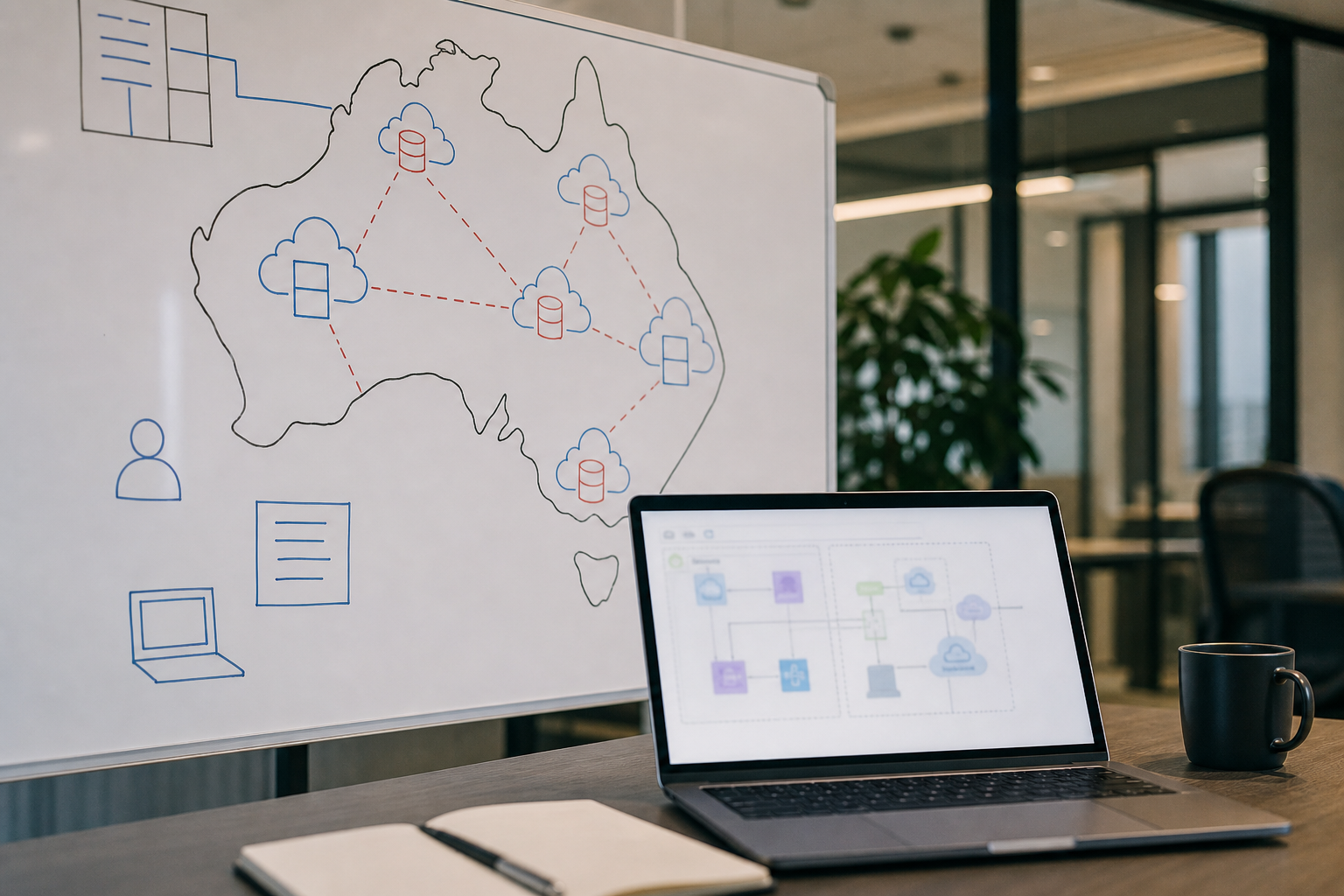
Australian clients often ask about data residency first — rightly so. Identify which data must remain in Australian regions for contractual, regulatory, or policy reasons. Map backup locations, disaster recovery failover regions, and support personnel access. A provider's global footprint is only an advantage when you understand where your payloads actually land during restore drills.
Network topology matters for hybrid environments. On-premise ERP, warehouse scanners, or branch office printers may depend on VPN paths or private links. Latency-sensitive integrations fail when assumed LAN speeds become cross-region hops. Document every connection that crosses the migration boundary and test bandwidth, failover, and DNS behaviour under load.
Operational Maturity Checklist
Cloud platforms offer automation, but automation requires ownership. Confirm you have practices for secret rotation, certificate renewal, vulnerability patching, and capacity review. Small Pea Software typically implements infrastructure-as-code, staged environments, and automated deployment pipelines so releases are repeatable rather than heroic manual events.
Monitoring and alerting should cover application health, integration queues, database performance, and cost anomalies. Cloud bills spike quietly when debug logging runs verbose in production or orphaned resources accumulate. Tag resources by environment and cost centre from day one — retroactive tagging is painful during finance reviews.
Backup and restore drills are non-negotiable. Schedule quarterly restores to an isolated environment and verify application startup, integration credentials, and report accuracy. Backups that never restore are wishful thinking. Document recovery time objectives and recovery point objectives with business sign-off so expectations stay aligned during incidents.
Readiness Questions We Ask Early
- Can the application run with zero local disk state beyond ephemeral cache?
- Are database migrations automated and reversible for at least one release?
- Do integrations authenticate with rotatable secrets rather than embedded passwords?
- Is there a defined incident response path with Australian business-hour coverage?
Lift-and-shift without readiness trades a familiar server room for an unfamiliar outage at the worst possible moment.
Security and Compliance in Hosted Environments
Shared responsibility models confuse stakeholders. The cloud provider secures the platform; you secure configuration, access, and application code. Misconfigured storage buckets and overly permissive IAM roles cause breaches that no firewall tradition prevents. Implement least privilege, multi-factor authentication for admin paths, and centralized logging with retention aligned to policy.
Privacy Act obligations and sector-specific rules still apply when infrastructure is hosted. Understand subprocessors, data processing agreements, and breach notification timelines. Custom applications handling personal information need data minimisation, access auditing, and defensible deletion workflows — cloud hosting does not transfer those duties elsewhere.
Penetration testing and dependency scanning should integrate into release cadence. Custom code plus open-source libraries create an attack surface that evolves weekly. Treat security findings with the same priority tiers as functional defects affecting payroll or invoicing.
Plan Migration in Stages
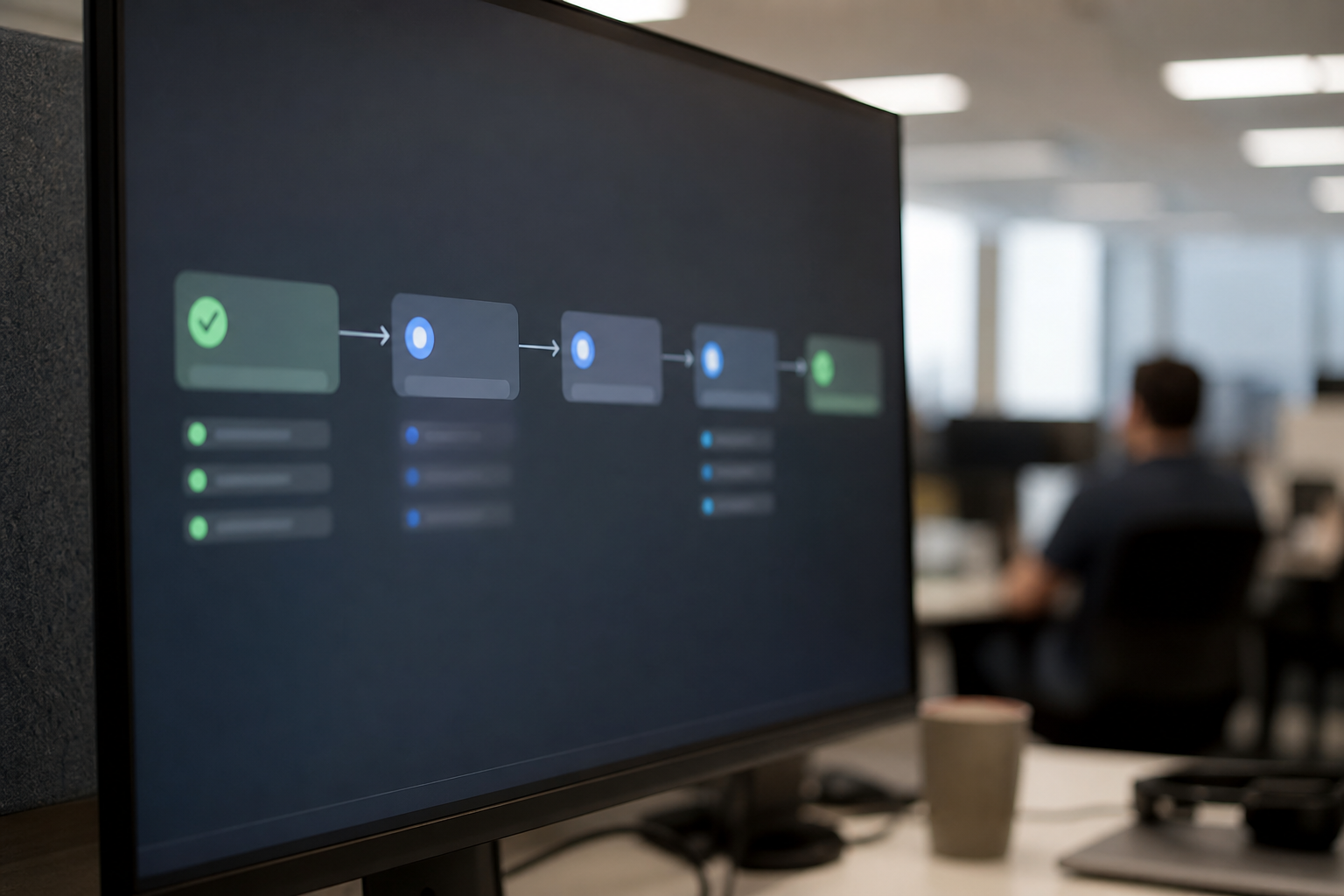
We recommend progression: development and staging environments in cloud first, non-critical workloads next, then production with rollback prepared. Parallel running validates performance and integrations before DNS cutover. Communicate maintenance windows clearly to staff who have heard "it will be faster in the cloud" before and still waited three minutes for a screen to load.
Cloud readiness is ultimately about confidence — that the system will be available when operations open, that data stays where it should, and that your team knows how to respond when something breaks. A structured assessment before migration costs less than emergency remediation after go-live. If you are weighing cloud hosting for custom software, we can review architecture, integrations, and operating practices against a practical readiness checklist.
Readiness is not a one-time gate. Vendors change APIs, certificates expire, traffic patterns shift, and integrations accumulate. Schedule annual architecture reviews for production systems — the same discipline applied to financial audits — so confidence compounds instead of eroding quietly between major projects.