
Web Application Development

Modern business software increasingly lives in the browser — accessible from the office, home, or client site without installing desktop applications on every device. Small Pea Software builds secure web applications for organisations across Australia that need dependable, staff-facing systems designed for professional desktop use and day-to-day operational workloads.

Why Web Applications for Business Operations

A well-built web application centralises your team's work in one place: data entry, approvals, search, reporting, and administration. Updates deploy to all users simultaneously, so you are not managing version conflicts across individual machines. For distributed teams in NSW and beyond, browser access removes the friction of VPN-dependent desktop software or shared drives full of inconsistent spreadsheet copies.

Web applications suit scenarios where multiple roles interact with the same records — coordinators, managers, field staff entering data remotely, and administrators configuring reference data. Role-based access ensures each person sees only what their job requires, while audit trails capture who changed what and when.

When a Web Application Is the Right Choice

  • Your team needs shared access to live data rather than emailed file attachments.
  • You want to reduce IT overhead associated with installing and patching desktop clients.
  • Workflows involve sequential steps — submission, review, approval, completion — that benefit from structured screens.
  • External parties such as suppliers or clients need limited, secure access to specific functions.
  • You are replacing an ageing intranet tool or Access database that has become fragile and difficult to extend.

Challenges in Web Application Projects

Performance expectations differ between consumer websites and business applications. Staff use these systems for hours each day; slow screens and confusing navigation directly affect productivity. We design for clarity — sensible defaults, consistent layouts, keyboard-friendly forms, and search that returns useful results.

Security must be appropriate to the data you handle. Login sessions, password policies, HTTPS everywhere, and protection against common web vulnerabilities are baseline expectations, not optional extras. If you process personal information, we align design choices with Australian Privacy Principles and your internal data handling policies.

How We Build for Daily Use

Our web applications are engineered for maintainability and longevity. We choose proven frameworks and hosting patterns that your organisation can sustain, with clear separation between presentation, business logic, and data storage. That structure makes future enhancements predictable rather than risky.

We involve actual users during design — not just managers signing off wireframes. Short feedback cycles during development catch usability issues before they become embedded. Training materials and in-app guidance reduce the shock of switching from old habits to a new system.

Deployment is planned, not improvised. We establish staging environments, define release procedures, and confirm backup and recovery arrangements before production traffic arrives. Go-live includes a stabilisation period where we respond promptly to issues discovered under real load.

Web application dashboard designed for business operations

Practical Tip: Define Your Primary Users First

Before scoping a web application, identify the three roles that will use it most heavily and describe a typical day in each role. What do they open first? What data do they need within seconds? What errors cause the most frustration today? That focus prevents feature lists from expanding into a system that technically does everything but practically supports no one well.

Capabilities We Commonly Deliver

Our web applications include structured data capture with validation, full-text and filtered search, configurable status workflows, document attachments, export to CSV or PDF, email notifications triggered by events, and dashboards summarising operational metrics. Integrations connect your application to accounting systems, payment gateways, mapping services, or internal APIs as required.

We do not treat mobile responsiveness as an afterthought, though our primary focus for business operations remains desktop and laptop screens where staff perform sustained data work. Where field access on tablets or phones is genuinely needed, we design those interfaces deliberately rather than shrinking a complex admin screen to an unusable size.

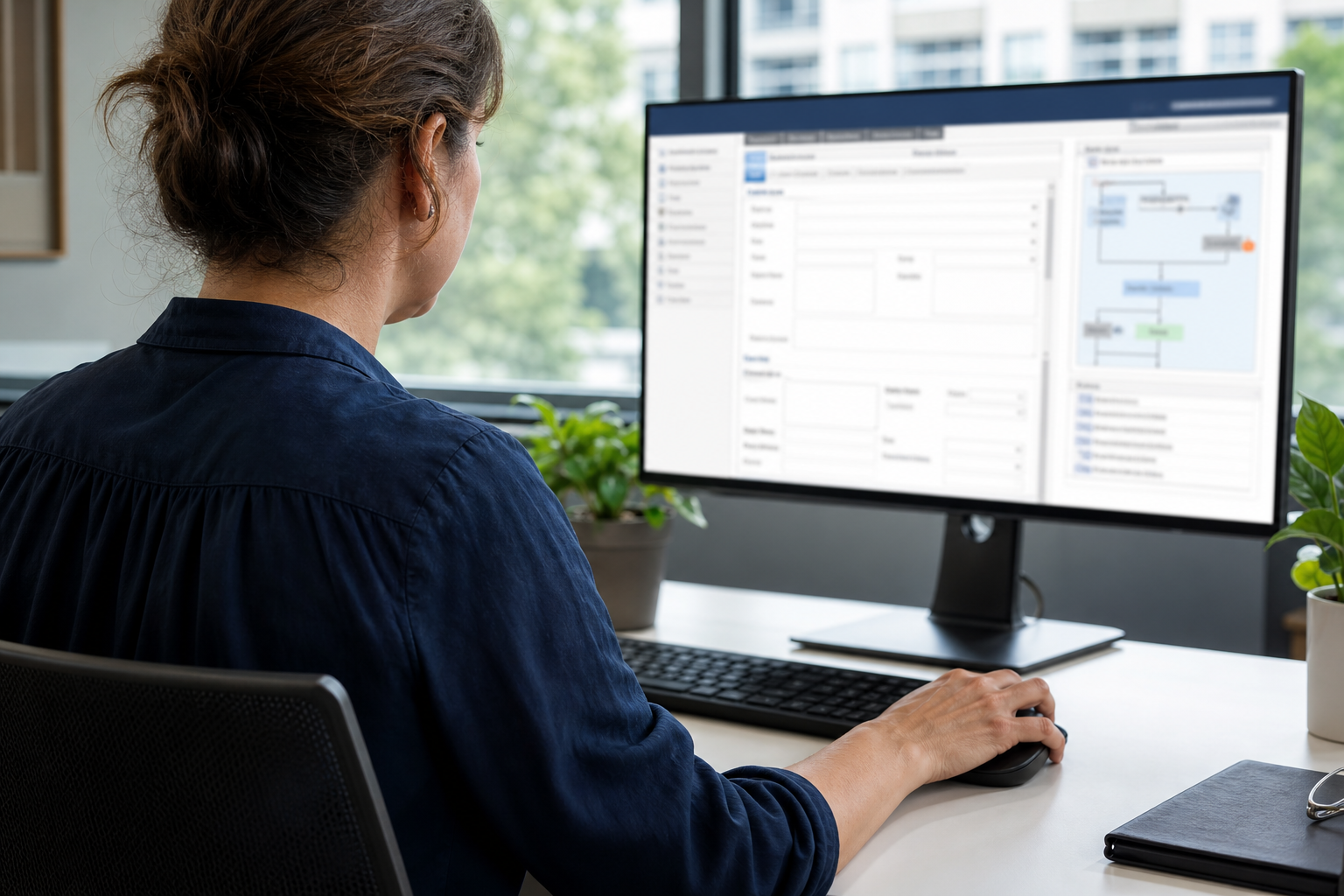
Secure web application form and workflow screens
Structured workflows that guide users through complex processes step by step.

Session security is designed around how your staff actually work — idle timeout aligned to shared workstations or remote access patterns, secure cookie flags, regeneration after privilege changes, and optional integration with your identity provider where single sign-on is already standard. We document session behaviour so IT teams can explain it during onboarding and auditors can verify it matches policy. Sensitive actions may require re-authentication even when the broader session remains active.

Browser compatibility is agreed explicitly rather than left implicit. For desktop-first business applications, we typically support current and previous major versions of Chrome, Edge, Firefox, and Safari on Windows and macOS — the combinations most Australian organisations standardise on. Legacy Internet Explorer is not a target unless you have a documented exception. When field staff need tablet access, we test those paths separately rather than assuming desktop layouts will suffice.

Architecture choices between multi-tenant and single-organisation deployments depend on whether you operate one legal entity or host distinct clients on shared infrastructure. A single-org build simplifies data isolation, customisation, and compliance boundaries — appropriate for most internal operations platforms. Multi-tenant designs add tenant-scoped data models, provisioning, and billing separation when you are building a product for multiple customers. We recommend the simpler model unless your business model genuinely requires shared hosting.

Discuss Your Web Application Needs

Whether you are starting fresh or rebuilding an existing browser-based system, Small Pea Software can help you define scope, estimate effort, and deliver software your team will rely on. Reach out via our contact page or email support@smallpeasoftware.com with a brief description of your operational challenge and current tools.

Security, Compatibility, and Deployment Models

Web applications handling business data require session management that balances security with usability. Small Pea Software implements server-side session controls, transport encryption, and protection against common session fixation and cross-site attacks. Configuration reflects your risk profile — stricter timeouts and additional verification for systems processing personal or financial information, pragmatic defaults for internal tools on managed networks.

Progressive Enhancement for Desktop-First Use

Our desktop-first approach does not mean ignoring modern browsers — it means building a fully functional core experience for keyboard-and-mouse workflows, then enhancing with responsive layouts or simplified mobile views where genuine field need exists. Progressive enhancement keeps complex data grids, bulk actions, and multi-panel screens usable on large monitors while ensuring essential read-only or approval tasks remain accessible on smaller devices when required.

  • Session policy — timeout duration, concurrent session rules, and logout behaviour documented for administrators.
  • Supported browsers — explicit list of versions tested before each major release.
  • Core-first delivery — essential workflows functional without advanced browser features; enhancements layered where supported.
  • Single-organisation — dedicated instance with data isolation suited to internal operations.
  • Multi-tenant — shared platform with strict tenant boundaries when serving multiple external clients.
Security policies nobody can follow get bypassed; session rules should match how staff actually use the system during a working day.

Practical Tip: Document Your Browser Standard

Before development begins, confirm which browsers and versions your IT team supports on staff machines. That single decision prevents costly compatibility surprises near launch and gives testers a clear matrix to verify against — especially important when remote workers use mixed operating systems.